 Español
August 9, 2026
by Charles Miller
In an earlier column I reported the ongoing requirement to register personally-identifiable information to continue using a cell phone in Mexico. In that column I stated that I did not want to install the Telcel app on my smart phone and that I should explain more about that later. I should start by explaining I have no problem with the Telcel app, I feel the same about ALL apps, especially ones that get used once then perhaps never again.
Smart phones rely heavily on individual apps rather than web sites accessed through browser. Apps are compiled specifically for the smart phone, allowing them to run significantly faster and smoother than websites. Apps sometimes can be optimized to use system resources more efficiently to extend your phone's battery life. Apps can have deep access to the phone's hardware, such as the camera, microphone, GPS, accelerometer, and network. And apps can support features like push notifications, home screen widgets, and certain "features" that cannot be turned off. And that last one is where some problems originate.
Thankfully it is not common for smart phone apps to interfere with each other in a serious way that causes your smart phone to crash or lock up. Minor interference is a frequent issue when an app hogs too much RAM (memory) and/or CPU power. Some apps are poorly optimized and run intensive tasks in the background that drain your battery. Some apps are known to deliberately interfere with other apps in "benign" ways, such as interrupting each other via pop-up notifications. While not technically a crash, this degrades your user experience when you miss alerts you might have wanted from one app because another app just sent you advertising spam.
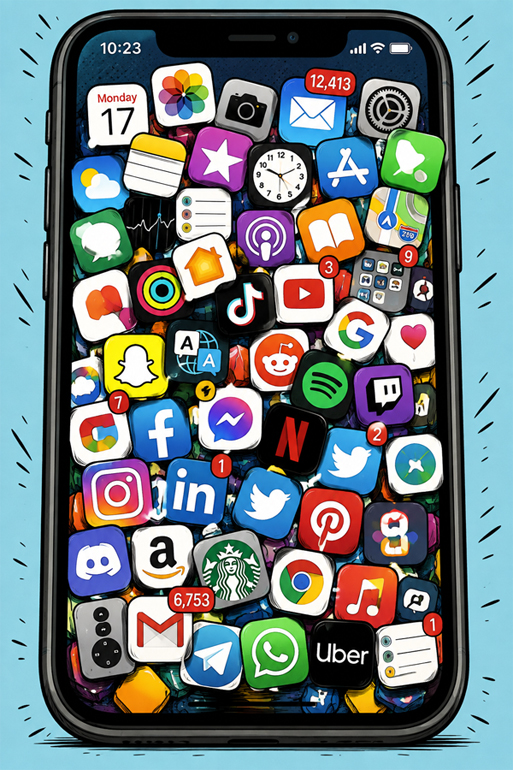
Several people who have asked for my help with their smart phone problems have shown me phones that had 100 or more apps installed. There are some serious security consequences associated with having so many, but I will not go into that just now. Each one of the installed apps could be actively working against another or be deeply linked into the Operating System so as to make identifying the offending app difficult to impossible.

When I encounter this situation, my recommendation is to simply reset the smart phone back to its factory defaults, thus erasing all the apps, then setup the phone again as if it was a new phone... this time reinstalling only the apps that are really needed. Some people say "Okay" to that while most initially wail "Nooooo!!! I can't do that!" In my experience, most of the people refusing to reset their phones never find a completely satisfactory answer to their problems. All the people, 100% of them, who say "okay" to resetting their phones to factory defaults eventually say "Now the phone's working just fine."
I have always tried to avoid installing any app on my smart phone unless I know I am going to be using it regularly. If I absolutely am forced to, I will install a new app, use it, and then uninstall it when the need for it has passed. After a recent trip I uninstalled the apps from American Airlines, Delta Airlines, Amtrak, Trailways, Port Authority NY/NJ, and Dallas Area Rapid Transit. Then I uninstalled them until the next time I need to reinstall them, if ever.
A person once showed me a message on her smart phone asking that I explain what it meant. I had never seen the message before, it read "Unused apps: You have apps that you haven't used in a while." Up until that time I was unaware that most smart phones notify the user when there are rarely used, perhaps forgotten, apps on the phone. I was unaware because I never let unused apps stay around. The next time you see that message pop up on your phone you should not click past it but take the opportunity to clean house.
**************

Charles Miller is a freelance computer consultant with decades of IT experience and a Texan with a lifetime love for Mexico. The opinions expressed are his own. He may be contacted at 415-101-8528 or email FAQ8 (at) SMAguru.com.
**************
*****
Please contribute to Lokkal,
SMA's online collective:
 ***
***
Discover Lokkal: Mission

Visit SMA's Social Network
Contact / Contactar